For my copy I decided to re-create this poster originally made by Linzie Hunter, an illustrator. I first came across her work looking on Pinterest for different styles of illustrators who i could use a different technique or process to create a piece of work.
I started by drawing out the different parts of the piece in my sketchbook and inked over them using an ink and brush. I tried to make sure I had a few different types of each one, so that I had options when putting them into Photoshop. After doing that I scanned it in and placed into Photoshop. I changed the threshold to make sure there was definite black and white in the image with nothing in-between, I also changed the brightness and contrast to ensure this.
I then started to edit the image, copying the different parts of type into an A4 document which i was using to create my final copy. I had to use the lasso tool frequently to cut parts of the text off to give it the same look as the original. For much of the lettering I ended up having to put them into separate layers so I could work on them individually, and it meant I was able to move them around more easily.
After making sure all the lettering was correct and placed in the correct place I started to change the the colour of the text. I used the magic wand tool to select each part and then went onto the original to get the right colour, then selected that colour.
This was quite a long process as I wanted to get the image just right, once I had got the text right i started to add in the small extras. Again I used the magic wand tool to change the colours and the lasso tool to edit them slightly. I used the brush tool with a really small brush to add in the effect of the small stars as dots, and i tried to do this as randomly as possible.
I added in all the extras such as the small and large stars, the line underneath "first" and the dashes around the outside which I changed the colour of using the magic wand tool.
I then noticed that on the background of the image there was some sort of splodge/paint splatter, which made the image slightly lighter around the lettering of the word "DARE" and around the bottom of the image, where the small drawings were.
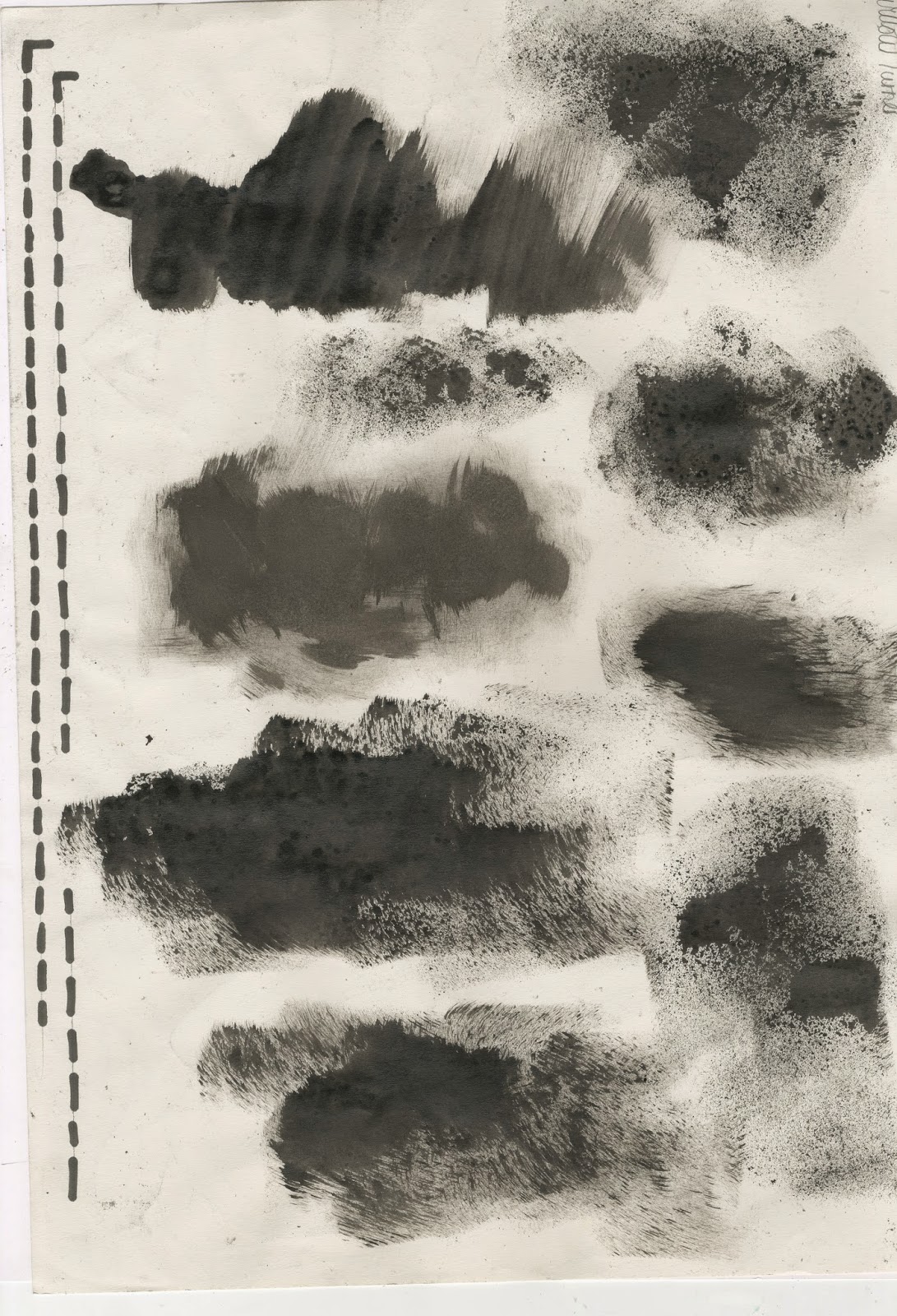
To start doing this i took a sponge, dipping it in ink and making different splodges and marks on the page. I also used a white board marker to create the dotted lines that went down the sides of the image.
I then placed this into the Photoshop document and placed it behind the lettering, trying to line it up as best as I could. I went onto layer styles and added in a white colour overlay and lowered the opacity of that layer. I did this to make the splodge of ink more subtle and blend in better with the background, like the original. I then duplicated this layer, making it smaller using the transform tool, and lowering the opacity of this one much more. I then placed it at the bottom of the page, trying to place it where it was on the original one was.
Here is my final copy. Overall I am very happy with how it turned out, although it doesn't look quite like the original. I think this new way of creating my work is something which I quite enjoyed. Having lots of different elements to a design which eventually comes together to create an eye-catching piece of work is something I realised I enjoy doing, and so I think it may carry this on throughout my work and when creating my final piece.